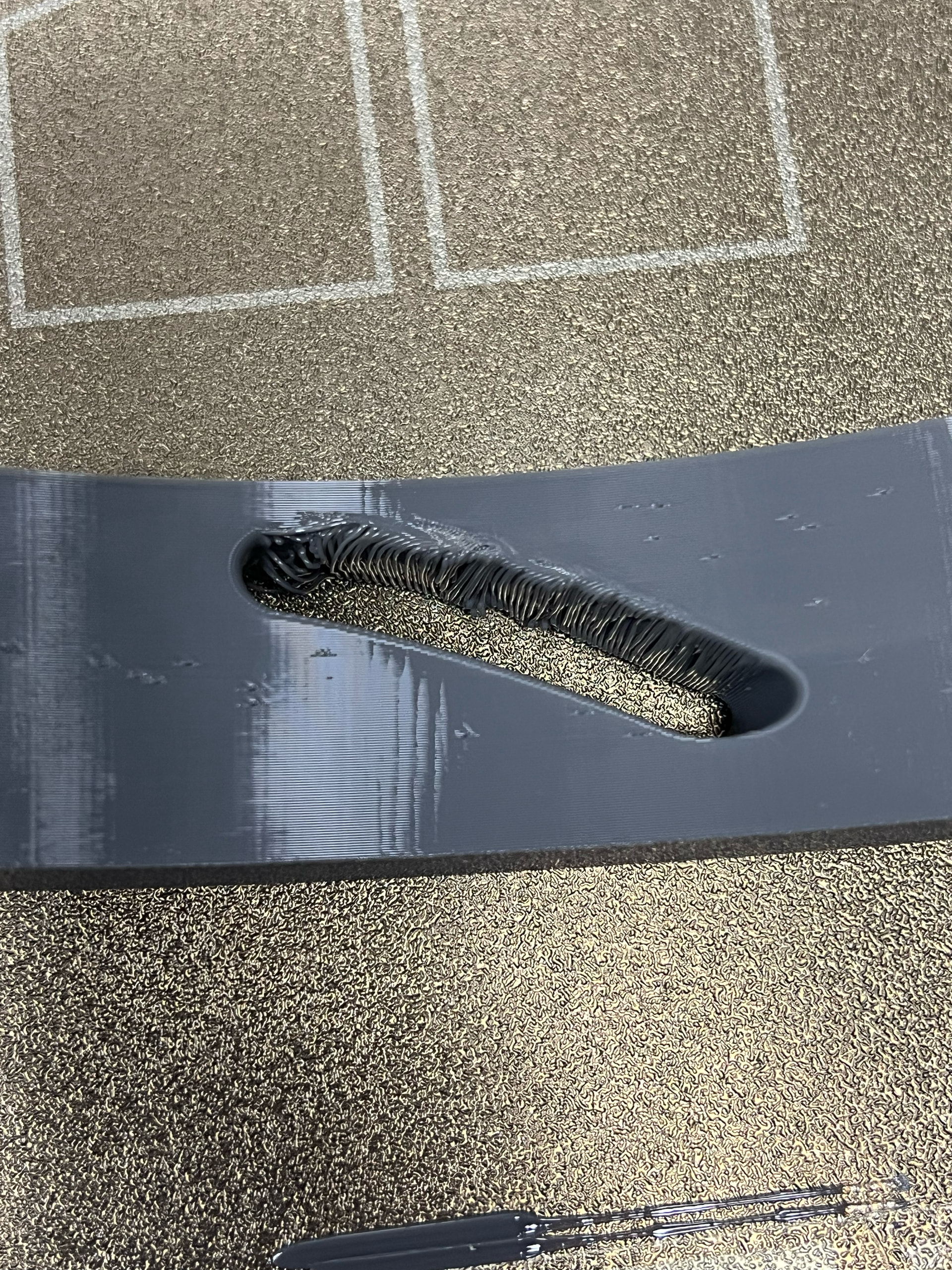
Hey ya’ll - like many of you I was struggling hard with the TPU cushions. I had some really terrible stringing/pitting/bridging issues.
I also wasted like 2 full rolls trying to solve/improve my cushions, and so I finally had the idea to just cut out the section with one of the horizontal slants in the model and use that to more quickly and cheaply optimize the print.
Turn off (or at least set to lowest temp) your dryer box if you are printing direct from one. I had a series of clogs late in prints that were solved by that.
Filament brand matters - I was using some really cheap TPU and I think that was the cause of at least some % of my issues.
Some parts will just never be perfect.
Key settings from the profile:
Flow Ratio 1.028
Bridging flow rate 0.6
Print speed 30 mm/s
Bridge speed 10 mm/s
Acceleration capped at 3000/ms
Bridge Direction 90 Degrees
Retraction 1 mm
Retraction Speed 25 mm/s
Z hop 0.4 mm
All Cooling at 100%
Thick Bridges turned on
Avoid Cross Walls turned on
Thanks for all the great knowledge shared on this forum so far and good luck!
The grey is optimization, the lavender was the starting point
I found that printing the TPU parts directly from the main profile with all of the plates yielded poor results. When I printed the test strap that came out flawless, so I loaded up that profile, and then recreated all of the plates with the TPU parts in there, now they print flawlessly too.
After your comment I checked and the base profile I was using did add a 3rd wall loop. I did notice this cushion felt notably firmer than my other prints - not sure how critical 2 vs 3 wall is. @MakeGood_Noam is 3 going to be a problem? Definitely came out clean though!
To be fair some reviews of the previous filament I was using (CCTREE) did express skepticism that it was actually 95A because it seemed softer, so it’s very possible there was something funky with that filament. Unfortunately I am out so I can’t do a direct comparison.
One note to add, no name brand or “cheap” TPU can work well, you just have to slow it down to a snails crawl. Find the max recommended speed on the spool, and make sure none of your printing goes over that. I have found some really cool TPU colors in only lesser known brands and was determined to be able to use them. Example would be the Tinmorry TPU (max I run that at is 50mm/s)